
One character per photo
Keep each image focused on a single person, pet or illustrated character. Avoid group photos and faces hidden behind other subjects.
The Gangnam Style AI guide
Three performers, one street selfie. Bring three photos or just one, and let AI fill the other two roles. Here’s how to get started.
Create my cast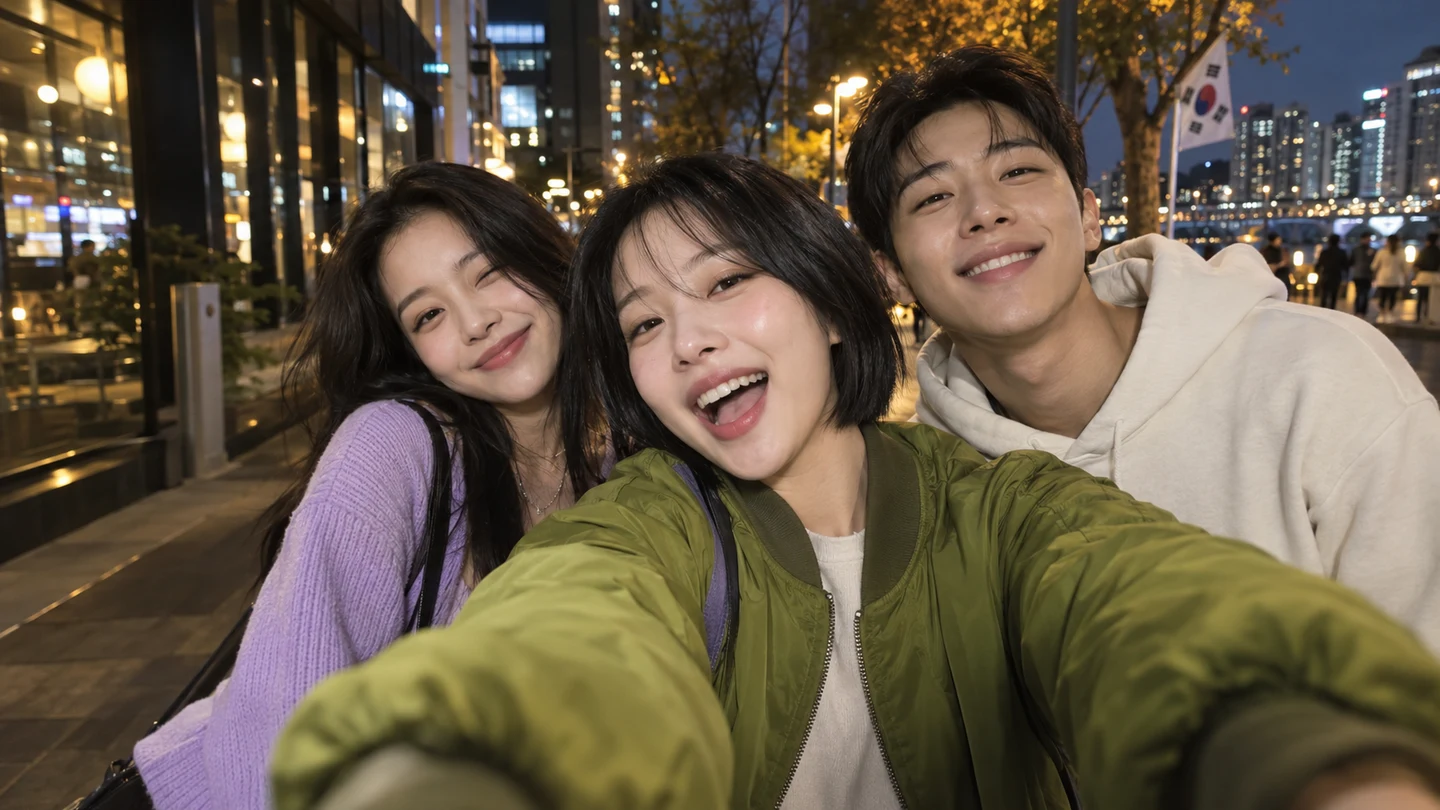
Start with good photos
Keep each image focused on a single person, pet or illustrated character. Avoid group photos and faces hidden behind other subjects.
Use a sharp image with a visible face and enough light to see the details. Avoid heavy filters, deep shadows and motion blur.
Choose distinct faces and outfits for each uploaded person. A clear clothing reference helps preserve each character’s look.
From photos to performance
Upload three separate portraits in center, left, right order. Or upload one portrait for the center and let AI create two random fictional adult friends. Rotate positions in three-person mode if needed.
Choose 8 or 15 seconds, then pick 16:9, 9:16, 3:4 or 4:3. 9:16 is selected by default for TikTok, Instagram Reels and YouTube Shorts.
Confirm permission for every uploaded photo and start when generation is available. Check all three people in the finished video before downloading.
Know before you start
Allow an estimated 6–12 minutes for 8 seconds, or 12–20 minutes for 15 seconds. Actual time varies with processing and provider availability. Follow the task progress; avoid submitting a second video while the first is running.
Open My creations after signing in to view your account’s videos and active tasks. Guest access stays with the original browser. Review the faces, outfits, side assignments, gestures and soundtrack before downloading.
Use images you have permission to process. Identifiable people must be consenting adults. Photo permission and music or performance rights are separate. Read the Acceptable Use Policy before sharing.
Technical failures are settled through the task: account credits are returned or a guest video payment is refunded, as applicable. Check the task’s settlement message. If it needs assistance, contact support with your task or order ID.